How to Reset Your Password
If you have forgotten your password, follow these steps to reset it:
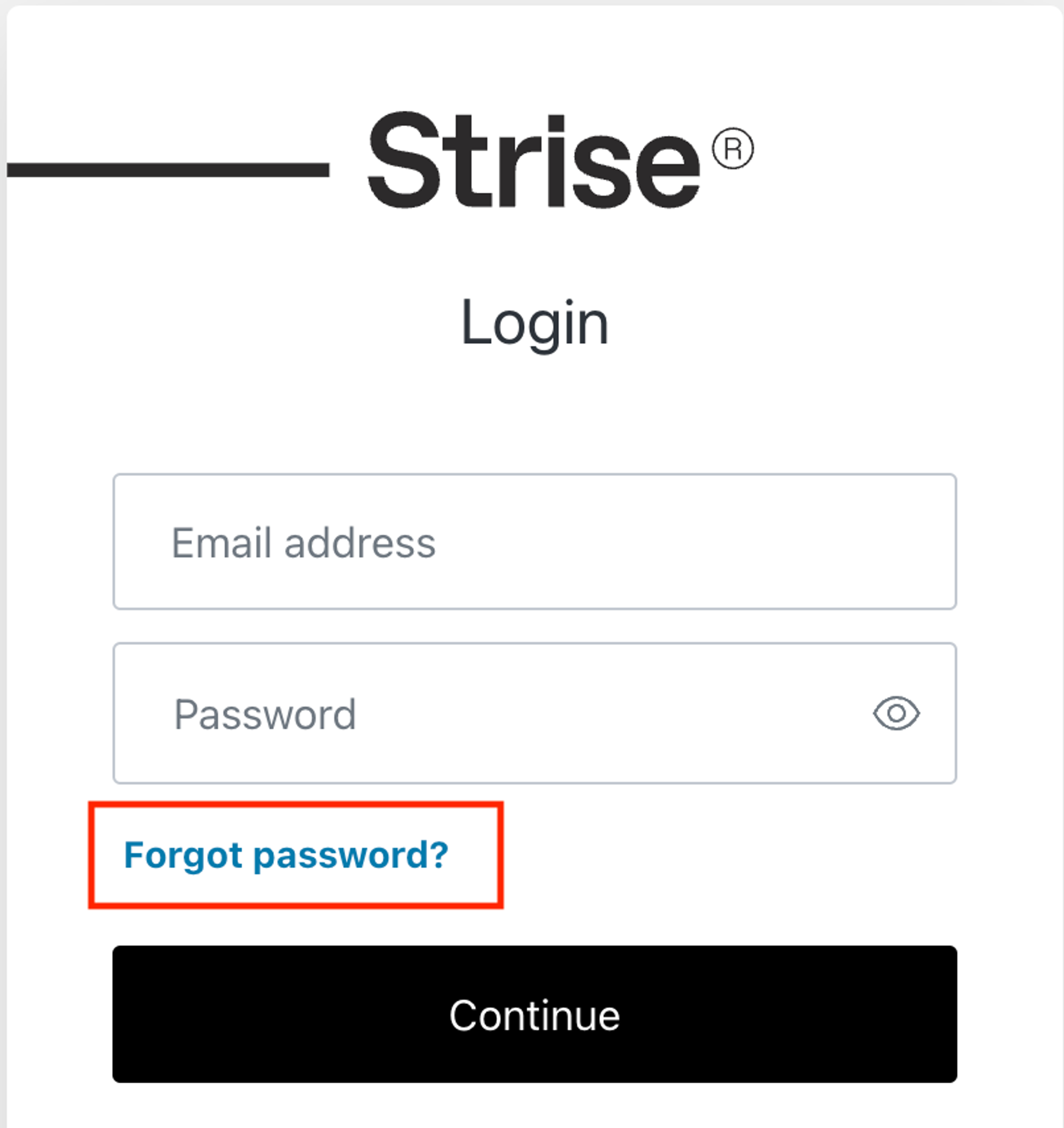
- Go to the Strise login page
- Click “Forgot password?”
- Enter your email address and submit the form
You will receive an email with instructions to create a new password.
Note: If your organization uses Google or Microsoft SSO, clicking “Forgot password?” may redirect you to your identity provider’s password reset flow instead of Strise’s. In that case, reset your password through your corporate IT portal.
If you are still unable to access your account, contact support@strise.ai for assistance.
Last updated on