Filtering Events
In Strise you will find millions of events. To help you focus on what matters, there are several ways to filter and narrow down the event feed.
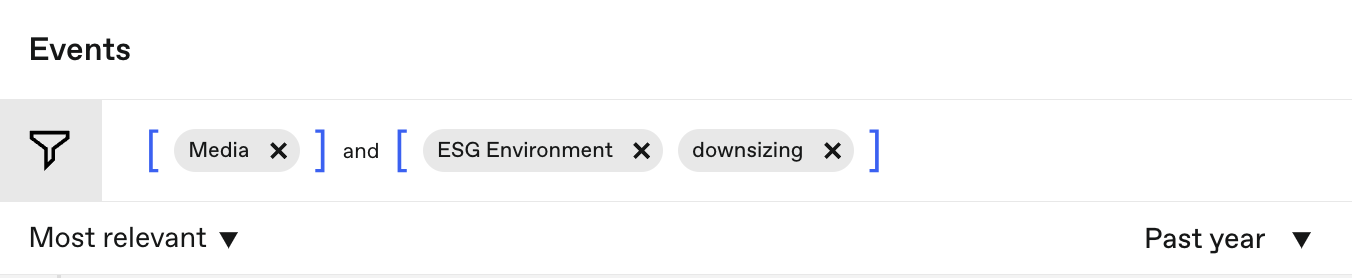
Filter by Topic and Type
You can filter events by topic and type to see only the categories relevant to your work. Available topics include Downsizing, ESG, Financial Crime, and many more.
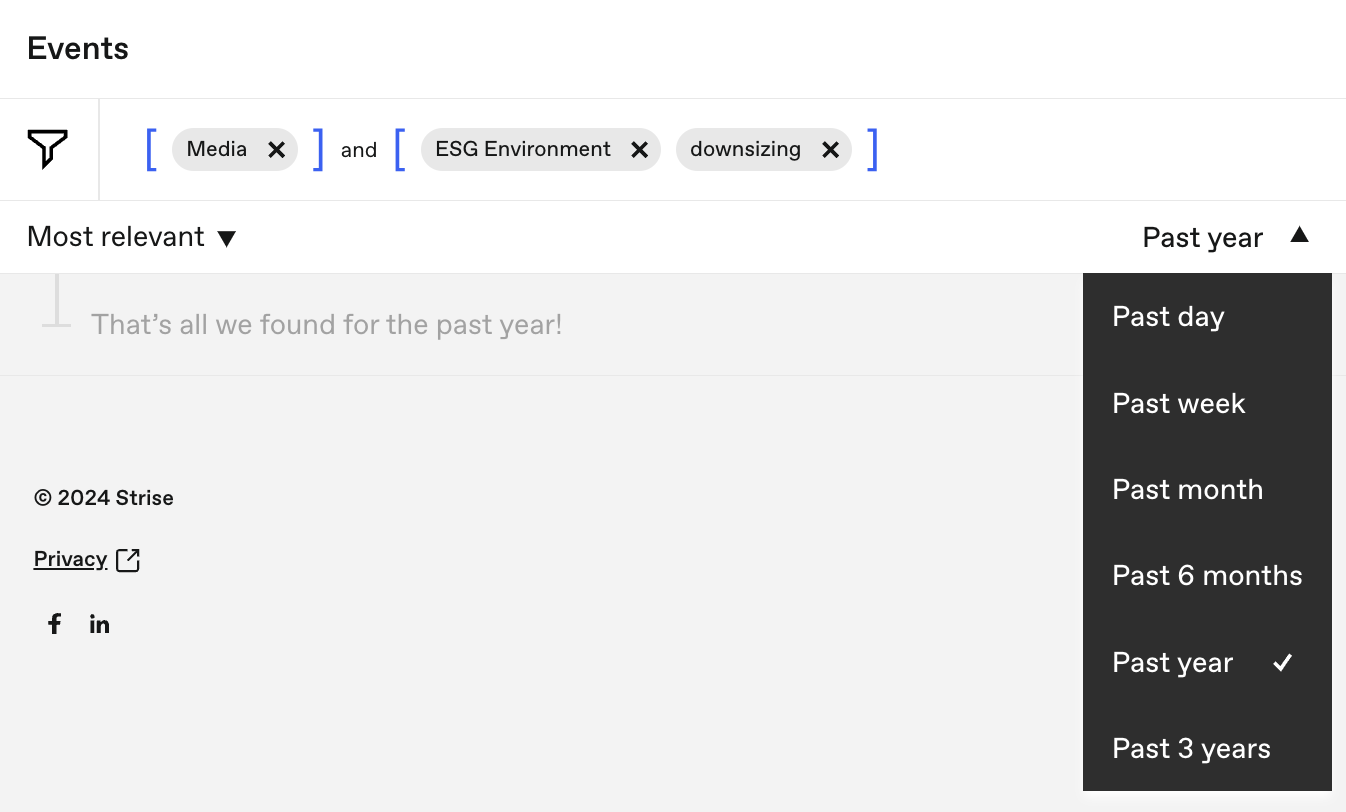
Filter by Time
Narrow your event feed to a specific time period. This is useful when you want to focus on recent developments or look back at a particular date range.
Most Relevant vs All Events
Strise offers two viewing modes for events:
- Most relevant — Shows events ranked by a relevance model that learns from your feedback. The model is trained by thumbs up and thumbs down ratings, so the more you use it, the better it gets at surfacing what matters to you.
- All events — Shows the complete unfiltered event feed.

Last updated on