Changing the Status of a Company
Adding a New Company to Your Portfolio
When you find a company through Search or Grow, click Add to portfolio and select the appropriate status for the company.
Changing the Status of an Existing Company
For companies already in your portfolio, click on the current status to open a dropdown where you can select a new status.
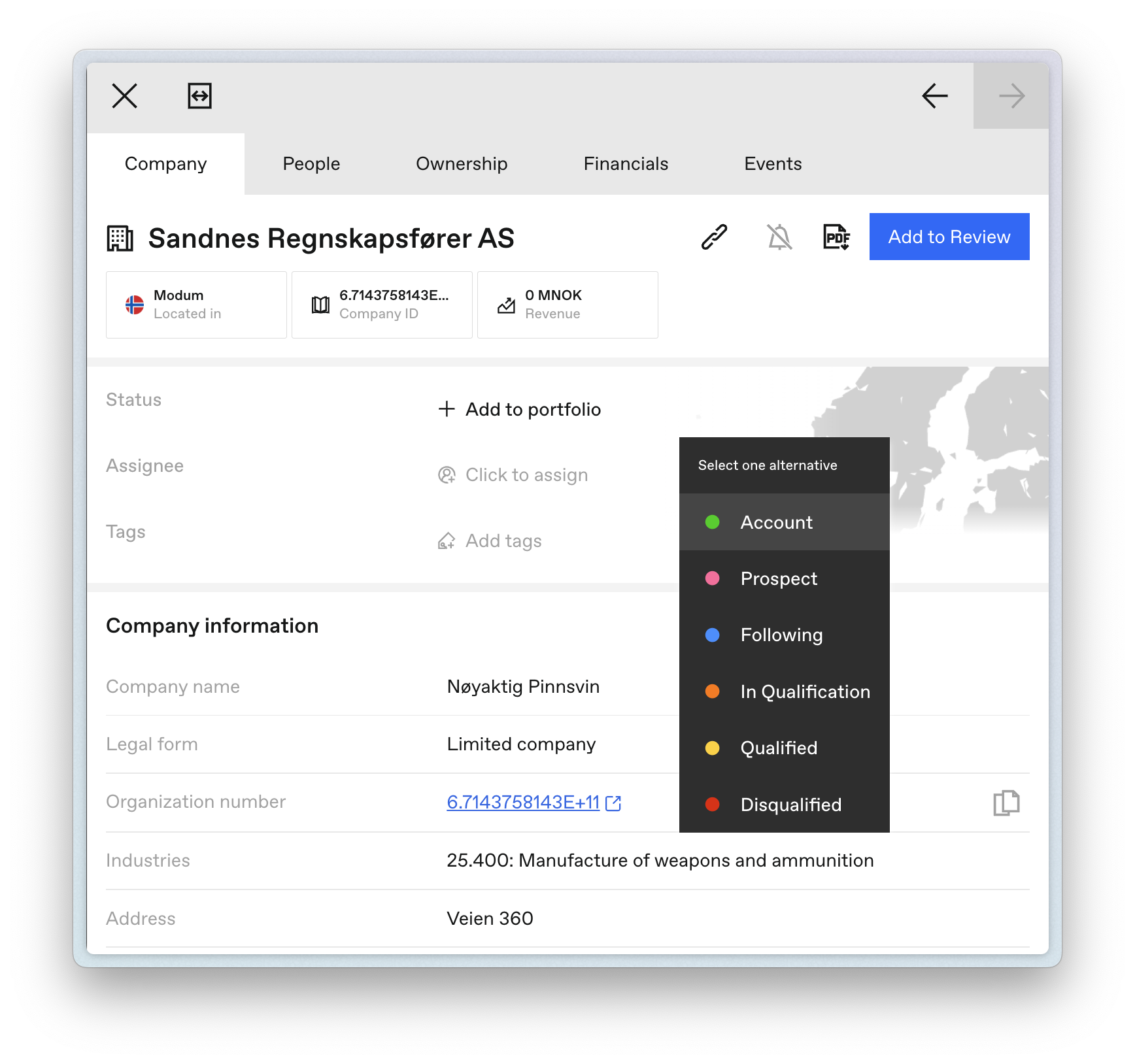
Companies added to your portfolio are filterable by status, making it easy to track where each company is in your workflow.
Last updated on